





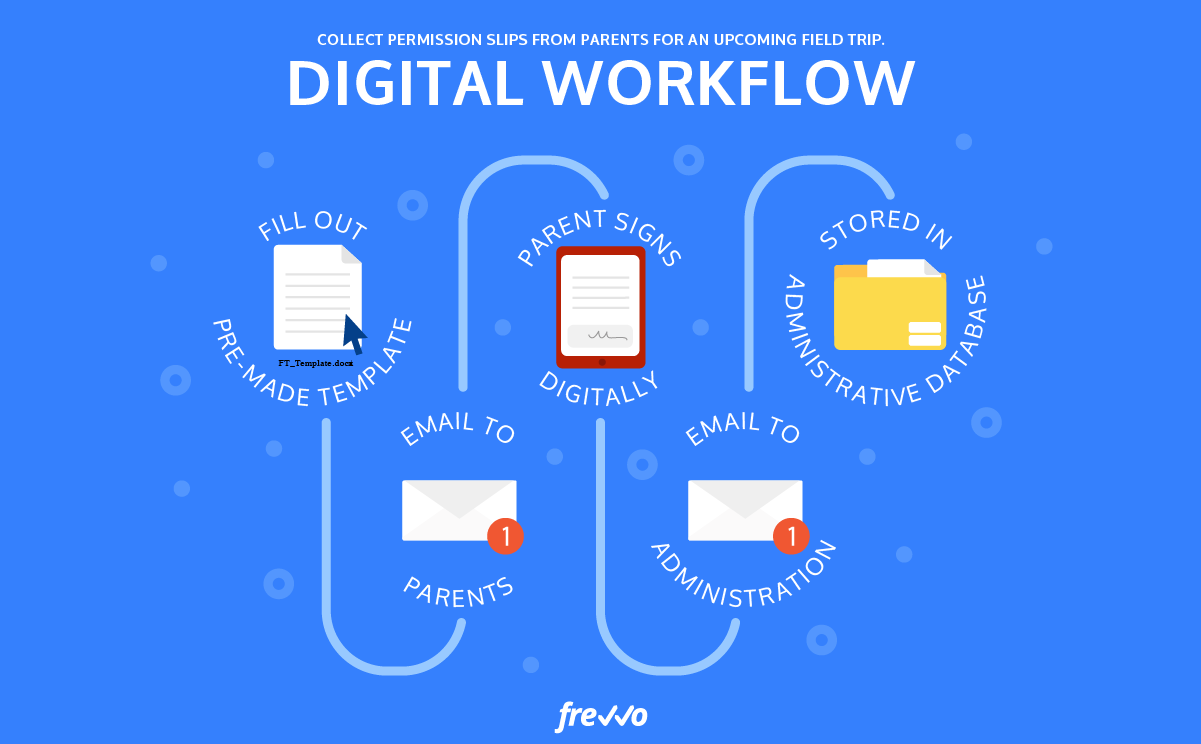
What is a Workflow? Workflow can be broken down into two parts: “work” means tasks or working in English. “Flow” means a stream or flow. When combined, "workflow" refers to the flow of work, also known as a work process. A workflow is a repetitive process that includes tasks that must be completed according to a predetermined sequence. Once a task is assigned into the process, it automatically follows the predefined path. As a result, work is processed faster, efficiency is optimized, and errors are minimized, preventing potential workflow "bottlenecks." What is a Workflow Diagram? A workflow diagram is a diagram of a business process or production system, which helps communicate objectives and deadlines to team members, thus overcoming certain obstacles. Common Types of Workflows Workflows are divided into the following types: Sequential Workflow This is a type of workflow where the next task depends on the completion of the previous task. For example: when you want to receive an advance payment, you have to wait for your manager’s approval and then the accounting department’s confirmation. Parallel Workflow This is a type of workflow where multiple tasks can be performed simultaneously. For example: when HR onboards a new employee, they can simultaneously request a laptop and software installation from the IT team and request paperwork, signatures, and other contract-related documents from the administration department. Sometimes, these parallel workflows can also be interdependent. Parallel workflows work best for simple projects where you can break down the main task into independent sub-tasks. Also, if any sub-task is delayed, it will not affect the others.
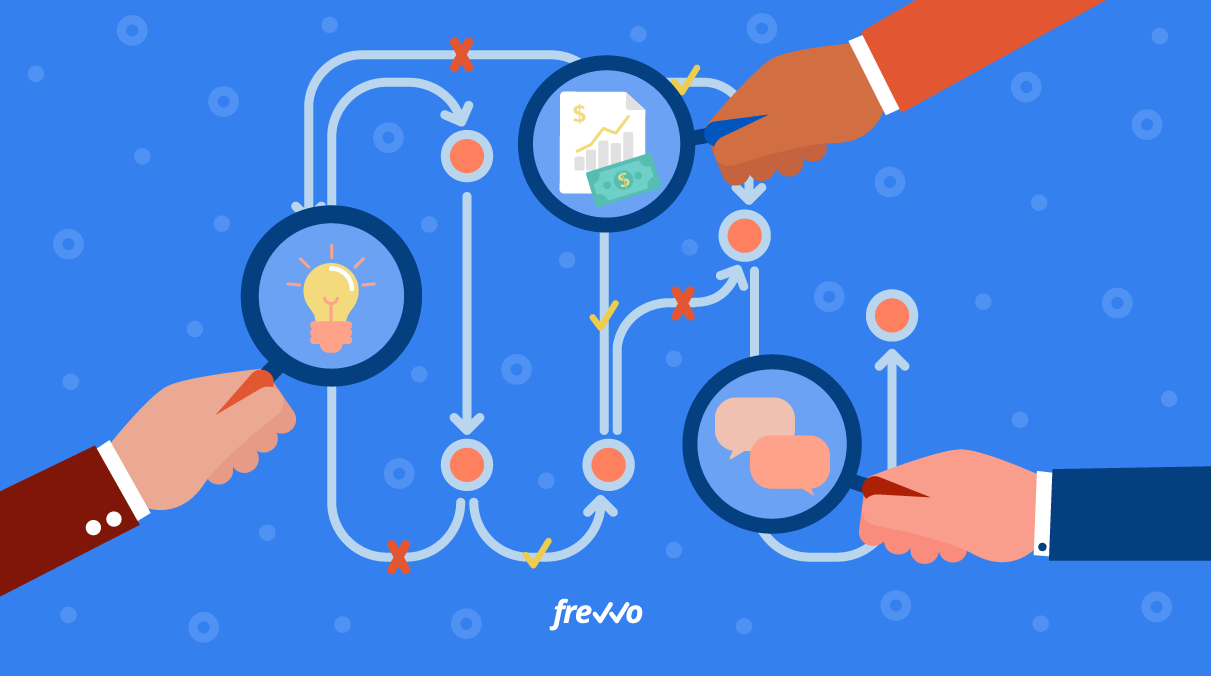
What are the Benefits of Using Workflows? Some of the clear benefits of using workflows you should know include: Support Business Administration Workflows provide businesses with a logical and sequential diagram. This allows work to be presented visually and clearly. It minimizes errors in case of overload. Additionally, by using color coding in diagrams and summarizing tasks, it helps leaders easily capture the main tasks that need to be done. Visually delivering work helps create a strong impression, allowing people to quickly and better memorize information. Thus, tasks are completed sequentially without omissions. Organize Work Properly By using workflows, you can understand: How to start the work; How the work should be done; What goals need to be achieved; Reduce mistakes caused by incorrect work processes. Eliminate Redundant Activities Small companies may have fewer operational processes compared to larger enterprises. Therefore, using workflow diagrams and updating them as the company grows helps identify redundancies and minimize unnecessary waste. Moreover, applying workflows makes it easier for businesses to manage overall activities and quickly detect bottlenecks, allowing improvements or elimination of unnecessary steps when needed. Reduce Operating Costs Workflows help businesses identify the best ways of working and streamline business activities. As a result, tasks are completed faster, saving company resources. This means lower costs and increased profits. 7 Basic Steps to Build a Workflow To enhance efficiency, you need to know the steps to build a workflow: Identify Initial Data Sources The resources that form a workflow are not limited to forms and operating procedures; they also include the people involved in the current process. Before creating a workflow for a specific process, talk to the stakeholders to identify problems they encounter with the current method. List the Tasks to Be Completed When designing a workflow, you need to clearly understand the tasks, their structures, and the data or forms exchanged when designing the workflow. Assign Responsibility for Each Task Once you understand the structure and nature of the tasks, consider who will participate in the workflow. Some tasks will automatically move to the next person, while others require approval before proceeding to the next step. Create the Workflow Diagram Next, you can draft a workflow diagram by visually representing the process. You can choose a simple workflow management tool if you're not yet proficient in workflow modeling. Test the Workflow You Created The testing process allows you to evaluate whether your workflow operates effectively. You’ll need cooperation from those involved in the process and run trial programs. This helps identify existing problems, determine which steps are necessary or redundant, collect feedback, and revise and improve the workflow accordingly. Train Your Team on the New Workflow People tend to be used to the old workflow and may hesitate to change. Therefore, a good training program is needed to eliminate hesitation and build confidence in using the new workflow. The best way is to share how the workflow was created and present workflow diagrams to give them a clearer picture of the process and their roles. Implement the New Workflow Once testing and training are complete, the workflow is ready for implementation. It’s best to first apply the workflow to a small group and monitor its performance over a set period. Based on the results, you can decide whether to continue applying and expanding the workflow. Popular Workflow Applications and Software FastWork Workflow Software Provides necessary features to set up workflows corresponding to each position, department, and division. All tasks assigned to employees will be fully automated. Base Workflow Software Helps users better understand workflows to create task diagrams suitable for each department and individual, thus enabling easy automation of work processes. Workflow App on iPhone/iPad Available on iPhone or iPad with a free pre-installed version. Work can be scheduled anytime, anywhere thanks to the app’s automation features. Microsoft Project Software Helps users create professional work plans. You can create mind maps, logical workflow presentations using modern features. The software can be easily installed on both computers and mobile devices. Microsoft Excel Software A familiar software that allows you to easily create workflows using its table design features. All processes are organized for easy monitoring and management of tasks. The above article fully answers the question: What is a workflow? Hopefully, you can find a way to build a unified workflow to complete tasks faster and more effectively. Source: careerlink.vn